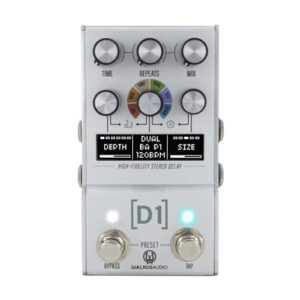
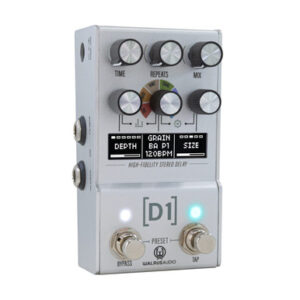
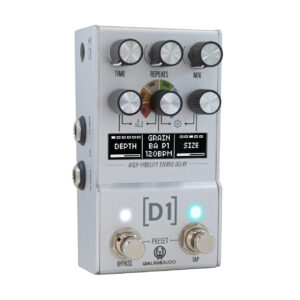
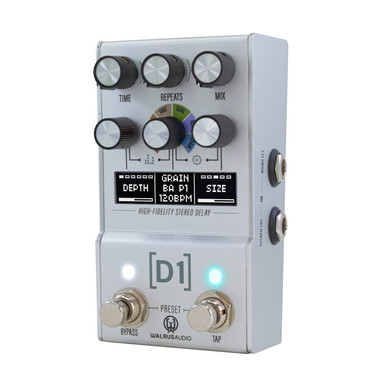
Walrus Audio Mako Series MKII D1 High Fidelity Delay Pedal

£369.00

This is a New Walrus Audio Mako Series MKII D1 High Fidelity Delay Pedal from Walrus Audio, listed in Delay Pedals on Just Pedals. Read More below.

View Just
more
and , , , ,

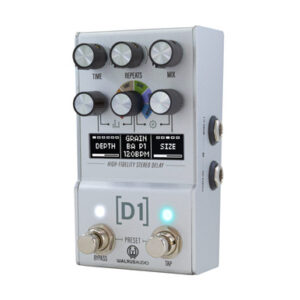
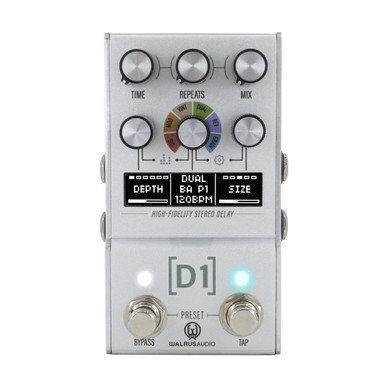
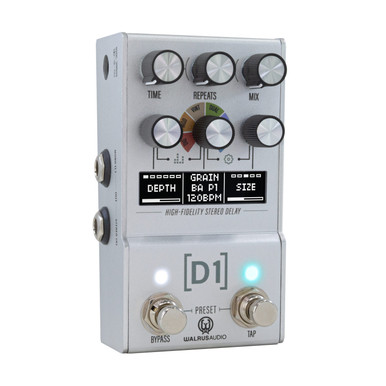
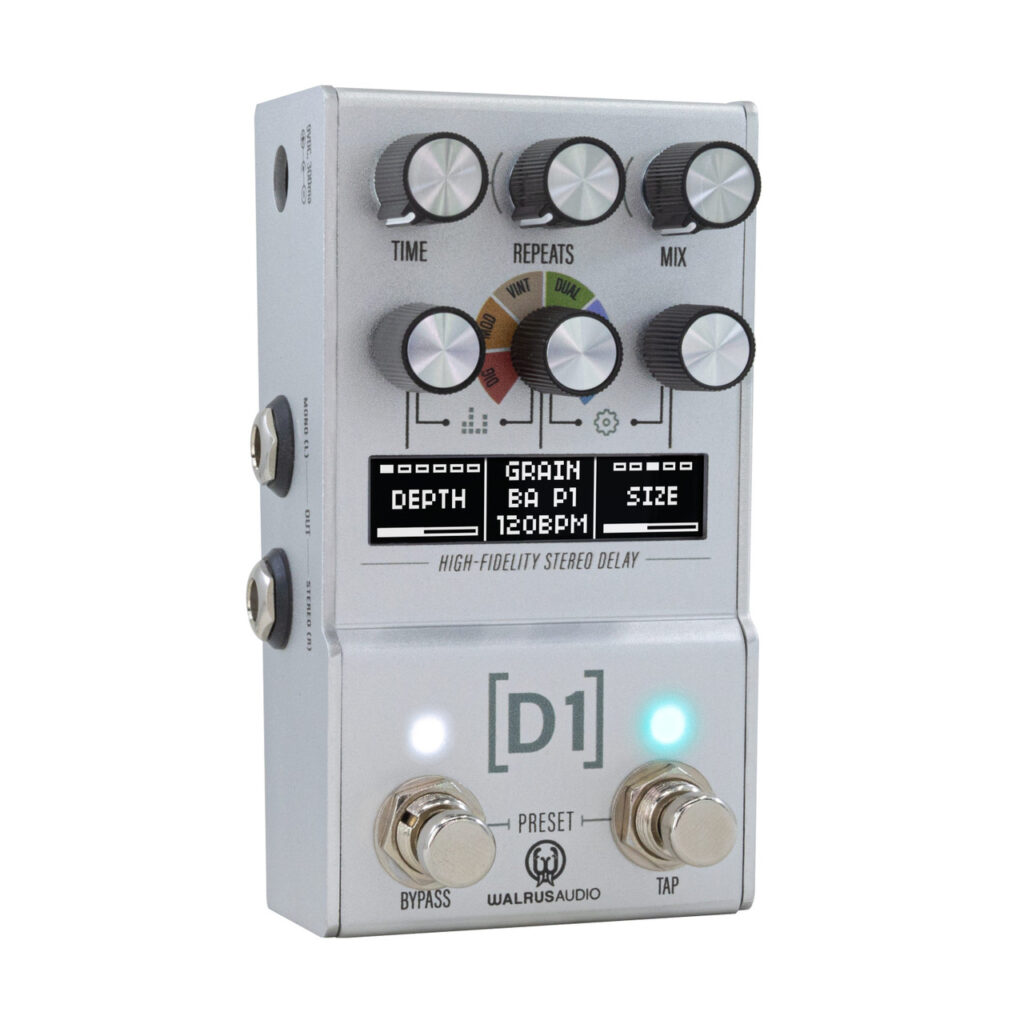
Continuing the success of the original MKI Walrus Audio Mako D1 High Fidelity Delay pedal, this MK II comes equipped with an additional delay algorithm, an easy-to-navigate display screen for improved flexibility and creativity on the fly as well as even more control over sounds including trials. The Mako D1 Delay pedal is Walrus Audio’s most feature-packed, flexible digital delay to date!

  • High-Fidelity Stereo Delay pedal.
  • MK II version of the popular MAKO D1 with display and new features.
  • Stereo Inputs and Outputs
  • 6 delay algorithms: Digital, Mod, Vintage, Dual, Reverse, and Grain.
  • Create everything from warm, analog sounds to rhythmic, clear echoes and bizarre glitchy trails.
  • Each program can be fully customized to taste and playing style
  • 128 onboard presets for easy recall of favorite sounds.
  • Complete BPM control with on-screen readout.
  • Dual mode allows unique tap divisions on each channel for stereo effects.
  • Add modulation to delay trails with six wave shapes: sine, square, triangle, ramp, reverse ramp, random.
  • Fully adjustable parameters for each program, including Depth, Rate, Shape, Age, Tone, and Spread.
  • BPM adjustment via right encoder knob, tap tempo switch, or MIDI.
  • Tap tempo, swell, and tap division control for further customization.
  • Navigation menu screen for easy tweaking of secondary controls and BPM, or accessing presets.
  • 1/8” MIDI IN & THRU connectors
  • USB-C port for firmware updates via dedicated web application
  • Power requirement: 9V, 300mA.
  • Dimensions (D x W x H): 12.5 x 6.7 x 6.4 cm.
  • Weight: 0.36 kg
  • Assembled in the USA

Related videos

Brand

Walrus Audio

In the current JustPedals catalogue, Walrus Audio is represented by Reverb Pedals, Distortion Pedals and Chorus Pedals. Current listings include Canvas Power HP, Canvas Power USB and Polychrome Flanger. That makes the range relevant to players looking for drive, gain and clipping, plus time-based effects and ambience. Check each model for its exact circuit or processing platform, controls, power requirements and connections, particularly where the catalogue includes both pedals and supporting gear.

Category

Delay Pedals

Delay pedals repeat the input after a set time, from a short slapback to long ambient trails. Feedback controls how many repeats continue; filtering, modulation, saturation and mix shape their tone and prominence. Tap tempo can keep rhythmic delays aligned with a song, while presets and MIDI help when several timings are needed. Analogue, tape-style and digital designs respond differently to transients and overload. Check maximum delay time, spillover, stereo routing, trails and headroom before choosing a model for the rest of the board.

Tags

Analogue

Analogue products use continuous audio circuitry for some or all of the signal path, so clipping, filtering or modulation arises from physical components rather than sampled algorithms. The label does not guarantee a particular tone; component choice, headroom, bias, noise and the surrounding gain stages still matter. Check whether the switching, presets, control section or cabinet stage is digital when the exact signal path is important.

Digital

Digital products use conversion and processing to create, store or control the effect. This can provide presets, complex routing, repeatable algorithms, USB, MIDI and firmware features, but conversion, latency, power requirements and clocking depend on the design. Check the input and output levels, sample or impulse-response support, bypass behaviour and current draw when combining a digital unit with analogue pedals or a direct recording setup.

MIDI

MIDI sends, receives or responds to Musical Instrument Digital Interface messages rather than carrying instrument audio itself. Program changes can recall presets, continuous controllers can move parameters and MIDI clock or transport messages can synchronise timing. Check the connector or USB method, channel and message support, clock direction, latency and whether the device needs a separate MIDI host or adapter. MIDI control is powerful, but compatibility depends on the exact messages each product understands.

Stereo

Stereo products provide separate left and right audio paths, which may widen modulation, preserve independent delays or route a pedalboard into two amplifiers or a mixer. Input and output behaviour is not always symmetrical: some units sum a stereo input, while others create stereo from a mono source. Check whether the effect collapses safely to mono, how the dry signal is routed, the socket format and the destination’s panning and phase requirements.

Tap Tempo

Tap tempo lets a player set delay, modulation, tremolo or looper timing by tapping a footswitch. The implementation may be a dedicated switch, an external input, MIDI clock or a combination, and the supported timing divisions vary. Check whether the tempo is stored, whether tap is momentary or latching, how quickly the effect follows changes and which blocks respond. Tap tempo is useful only when the control connection and timing range match the workflow.