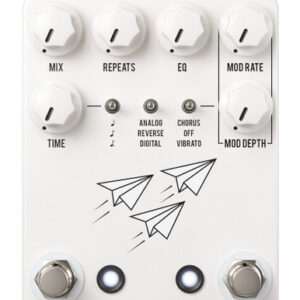
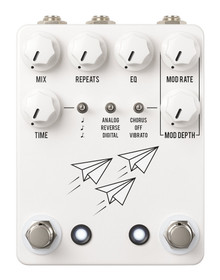

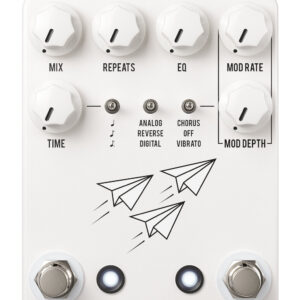
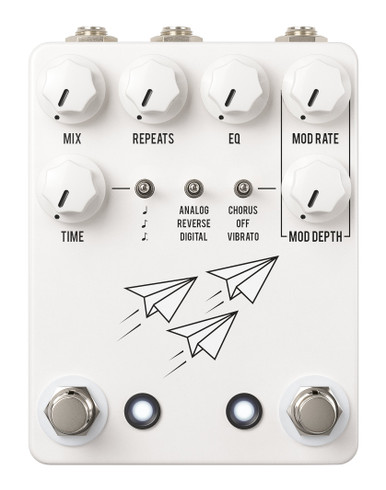
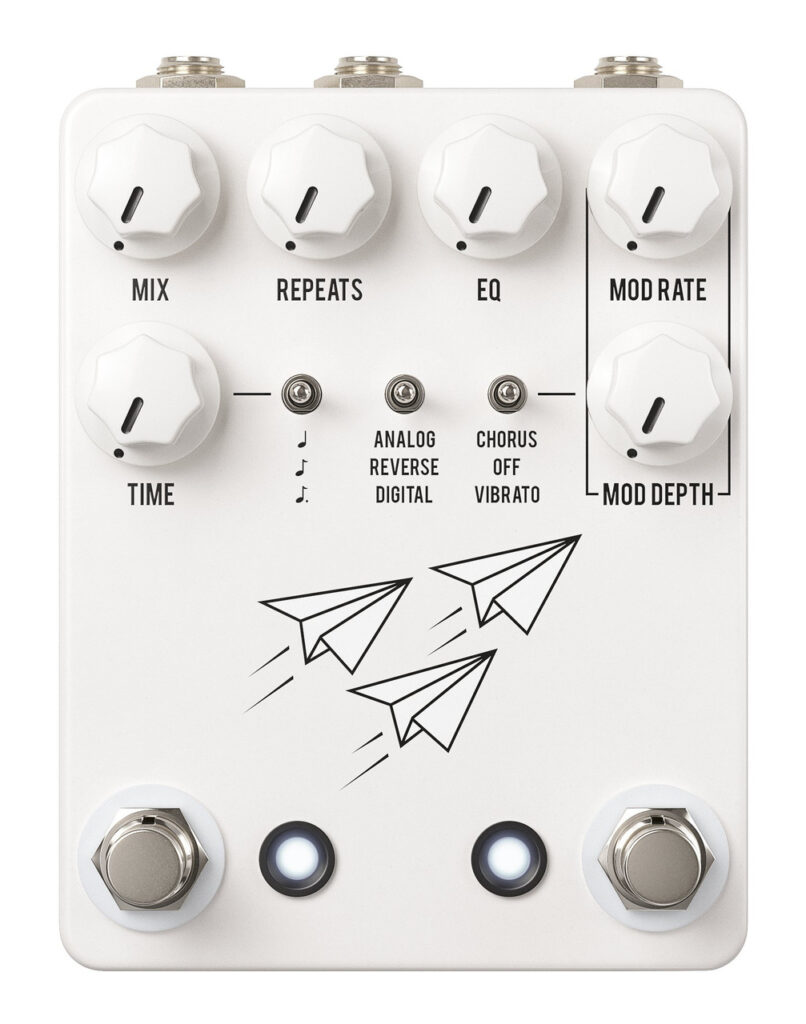
Here’s what JHS say about the JHS Flight Delay Pedal:
The JHS Flight Delay was made with one goal in mind: to be everything you need in a delay and nothing you don’t. In a world full of complex effects pedals, we worked hard to bring you the opposite – a beautifully simple stompbox that combines the most essential delay types with the features that matter. With three modes (Delay, Reverse, and Analog) inspired by my all-time favorite delays – EHX Memory Man, Boss DD-5, and Line 6 DL4 “Reverse Mode” – the Flight Delay is familiar, inspiring, and versatile enough for players in any genre. If you are tired of delay pedals that require frustrating menu diving to find the sound you want, endless scrolling on option screens, and complicated user interfaces, look no further!
Controls
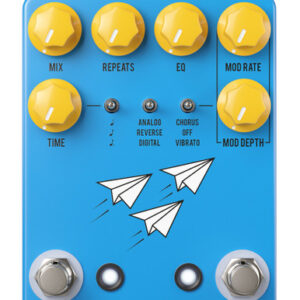
- Mix – Controls the mix of delay with your dry signal. All the way left is fully dry, all the way right is fully wet. Noon is a 50/50 blend.
- Repeats – Controls the amount of feedback or repeats in the delay signal. Left is less, right is more. Fully right will give infinite repeats. Be careful! This feature can quite literally spiral out of control.
- EQ – Adjusts the tone or color of the repeats. Left is a darker, warmer delay tone. Right is brighter and crisper.
- Time – Controls the length of the delay from 50ms to 1 second. Left is shorter, right is longer.
- Modulation – The fight delay features a meticulously designed modulation path that affects the delayed signal. This can be used to perfectly emulate the modulation textures of a *Memory Man’s vibrato’d repeats or a vintage tape delay’s lo-fi warble warble and everything in between.
- Mod Depth – Controls the depth or level of the modulation effect. Left is less, right is more.
- Mod Rate – Controls the rate of the modulation. Left is slower, right is faster.
Mode Toggle
- Analogue – A filtered analog-style BBD delay that harkens back to classic echo pedals like the EHX Memory Man and BOSS DM-2.
- Reverse – Plays the delay signal backwards, inspired by effects like the Danelectro Back Talk and Line 6 DL4 Reverse mode.
- Digital – Crisp, digital-style delay that pays tribute to early DSP delays like the BOSS DD-5 and the Ibanez DE7.
- Subdivision Toggle – Sets the interval of delay repeats – quarter note, eighth note, or dotted eighth note in relation to your tapped tempo.
- Modulation Toggle – Sets delay modulation style to chorus, vibrato, or off.
- Trails Bypass Mode – Allows the repeats to trail when the pedal is bypassed. To activate or deactivate, hold both footswitches for two seconds while the pedal is on. The left bypass LED will blink, and the setting will be retained.
Tap/Expression Control For Delay Time
- Tap – For external tap control, plug a mono TS cable into the TAP/EXP jack and connect to a switch or clocking device.
- Expression – For control of the delay time with an expression pedal, plug a stereo TRS cable into the TAP/EXP jack and connect to an expression pedal with the polarity set to “Tip”. Heel down produces the fastest delay time, and toe down produces the slowest delay time.
- Left Footswitch – Bypass switch, which turns the effect on and off.
- Right Footswitch – Tap tempo switch. Tap in your tempo with two or more presses to lock in your delay time. (This will reset to the Time control setting when changing modes.)
Specifications
- Input – 1/4” jack on the top right side of the pedal.
- Output – 1/4” jack on the top left side of the pedal.
- Tap/EXP Jack – 1/4” jack on the top between the input and DC jack.
- Power – Requires 9VDC negative center power and consumes 85mA. Do not use more than 9VDC, or you will void your warranty.