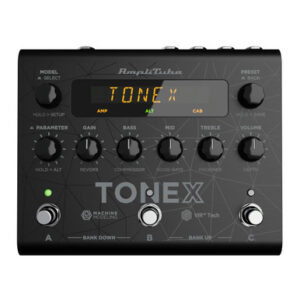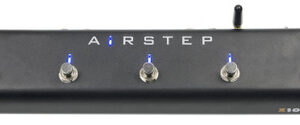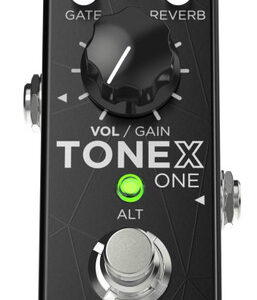
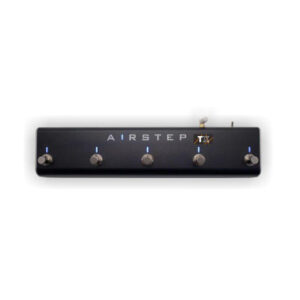
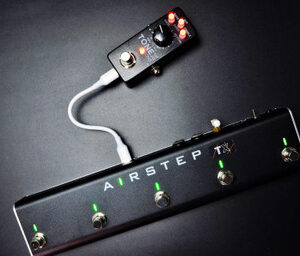

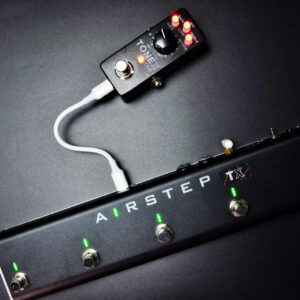
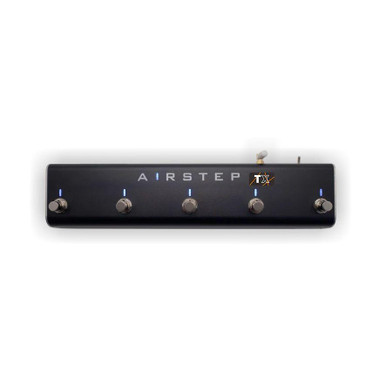
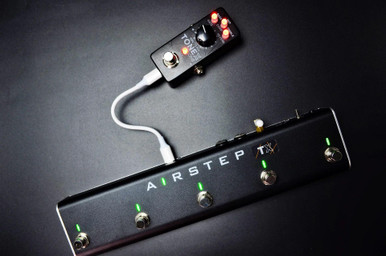
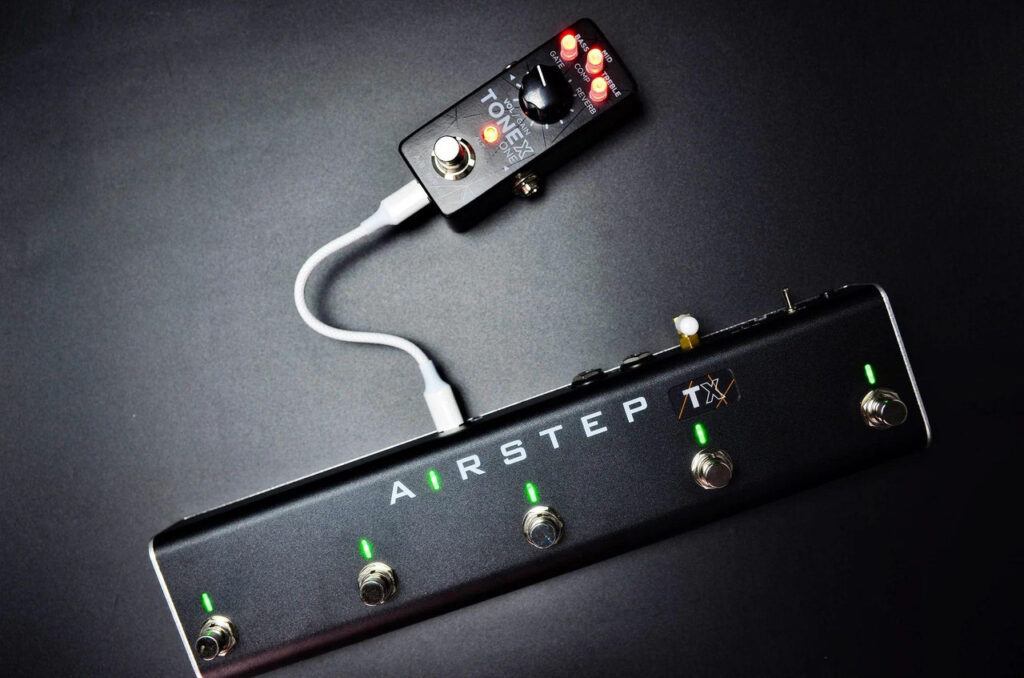
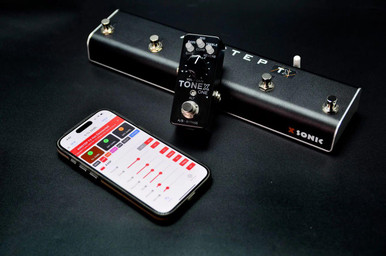
AIRSTEP TX Edition is the ultimate foot controller designed specifically for TONEX ONE and TONEX PEDAL. It allows hands-free switching of all presets and banks, toggling of all effects, and wireless editing and control via the dedicated iOS and Android TONEX Editor App developed by XSONIC. It also features two expression pedal inputs for real-time parameter control.
No setup required — just plug and play. The perfect foot controller solution for every TONEX user, turning your TONEX into a fully functional pedalboard ready for most gigs.
Key features
- Fully compatible with TONEX ONE and TONEX PEDAL
- Hands-free switching of all presets, banks and toggling of all effects
- Wireless tone editing via the dedicated AIRSTEP TX App (iOS & Android)
- Change modulation types and tap tempo with a footswitch
- Two expression pedal inputs for real-time control of volume, gain, or any assignable parameter
- Transforms your TONEX into a complete pedalboard ready for most scenarios
- Truly plug and play — no MIDI knowledge or setup required
- Onboard LEDs provide real-time visual feedback for presets, banks, and effect status
- Built-in rechargeable battery with up to 100 hours of use — can also power TONEX ONE for up to 3 hours
- Firmware upgradeable to stay compatible with future updates
- Rugged extruded aluminum housing for stage and studio durability
Advanced control for your TONEX
AIRSTEP TX offers two control modes to unlock the full potential of your TONEX setup: Preset Mode and Effect Mode.
In Preset Mode, you can access all presets and banks for seamless hands-free switching. Effect Mode allows you to toggle all effects, change modulation types, use tap tempo, and more — all in real time.
No MIDI knowledge or setup required — AIRSTEP TX is truly plug and play. All functions work out of the box, with zero configuration needed.The onboard LEDs provide real-time visual feedback, clearly indicating the current preset, bank, and the on/off status of each effect.
AIRSTEP TX transforms your TONEX into a complete, standalone pedalboard — ready for most gigs.
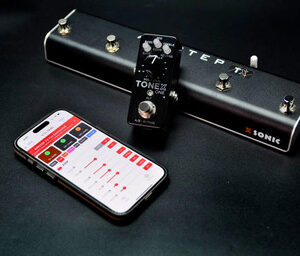
Edit your tone wirelessly, anywhere
Editing your TONEX ONE or PEDAL used to require a wired USB connection to a computer running the official TONEX Editor — not ideal for live use or quick adjustments.
With AIRSTEP TX and the dedicated mobile App from XSONIC, you can now wirelessly access and edit all TONEX parameters directly from your iOS or Android device.
No cables, no computer, no limitations — just seamless control, right from your phone. Search “AIRSTEP TX” in the App Store or Google Play to get started.
Battery-powered freedom
AIRSTEP TX is fully battery powered, offering up to 100 hours of continuous operation on a single charge.
It can also power your TONEX ONE, giving you a truly portable and cable-free setup. When supplying power to TONEX ONE, TX provides up to 3 hours of reliable runtime — more than enough for sound checks or a full performance. Enjoy the freedom of a fully wireless rig, with no compromises.
Specifications
- 30 meters (100′) wireless communication range
- Battery powered and rechargeable by 5V – 9V DC@600mA
- Robust aluminum extruded shell
- Weight: 650g
- Dimensions: 300 x 70 x 45(H) mm