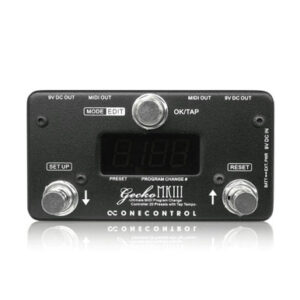
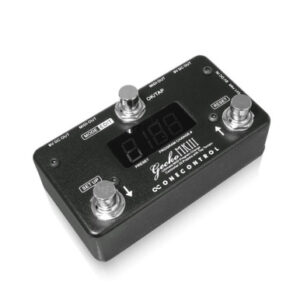

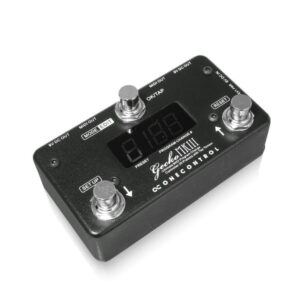
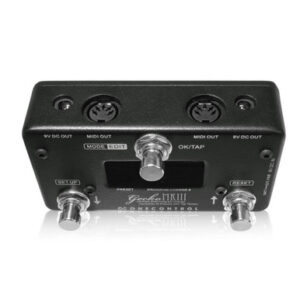
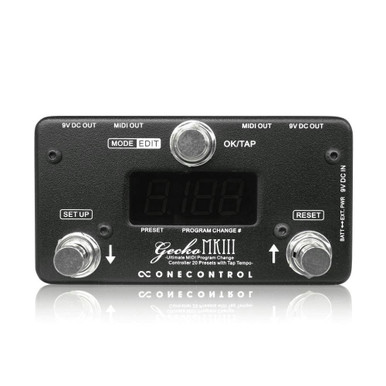
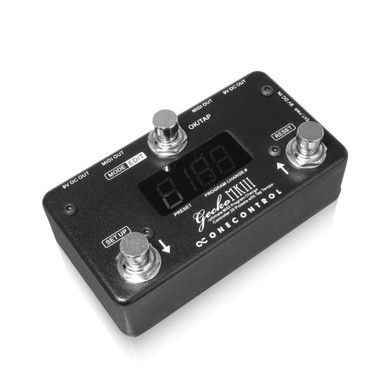
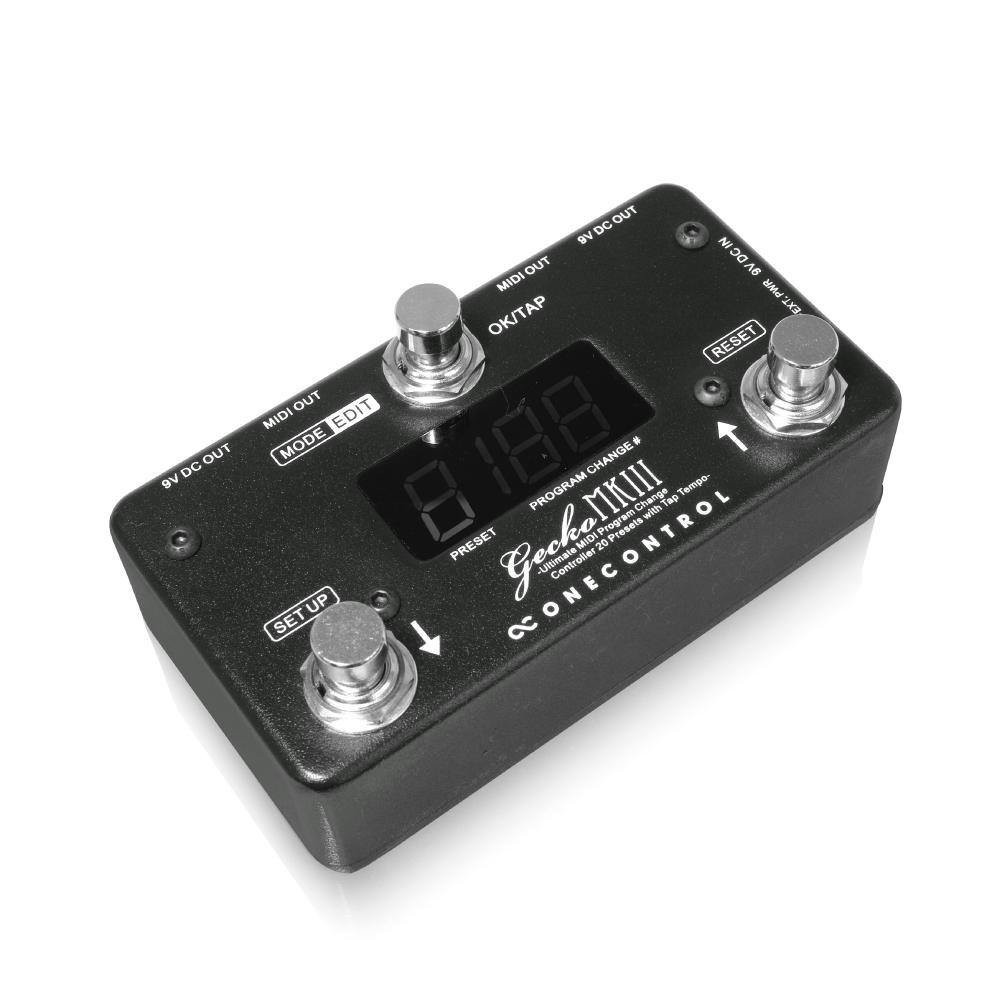
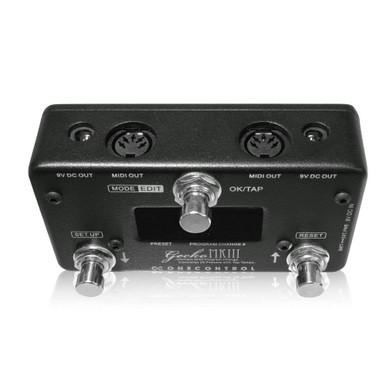
The One Control Gecko MkIII is a compact, lightweight solution for quickly switching between programs on MIDI devices. With an increasing number of guitar pedals being built with MIDI capabilities, having the ability to access presets in an efficient manner has become an important part of playing live. The Gecko MkIII gives guitarists three modes to access programs.
Key Features
- Compact, pedalboard-friendly MIDI controller.
- PC signals of 16 MIDI channels can be sent simultaneously.
- Create 20 presets in total.
- Tap tempo control for multiple devices.
- Can be powered by battery or 9V DC external power supply.
- Two MIDI output jacks.
- Two DC outlets can also supply power to other pedals (when using external PSU).
3 Modes
- 1. Select Preset Mod (E1): MIDI signals sent only when the 'OK' footswitch is pressed.
- 2. Instant Preset Mode (E2): MIDI signals sent as soon as the preset number is changed.
- 3. Direct Mode (E3): MIDI signals sent as soon as the program number (0-199) is changed.
20 Presets
The One Control Gecko MkIII has 20 presets. Each preset can store one PC (program change) message for each of the 16 MIDI channels. In modes 'E1' and 'E2', you can edit presets. PC # can be set between 0 to 199*. Also, if set to 'OFF', no MIDI signal will be sent to that MIDI channel.
*It may not be possible to receive a value exceeding PC # 128, depending on the receiving device.
MIDI Channel & Tap Tempo
Each individual MIDI channel can be turned off globally. Since MIDI channels that are set to 'OFF' globally are not displayed during preset editing, setup can be shortened. Also, for each MIDI channel, you can set the CC number to send when pressing the 'OK/TAP' footswitch and use it as tap tempo control. Since you can set individual CC numbers for each channel, you can control tap tempo of up to 16 devices at once!
Why Do I Need The Gecko MkIII?
Perhaps you've got a couple of digital pedals and you'd like to use more than one preset in a single song? Or maybe, you play a synth and don't have time to dial the preset menus in between songs! These are scenarios in which the Gecko MkIII can make your live performances easier. The amount of digital effects being used in live situations continues to grow. One Control responded to the need to have easy access to your favourite patches in an extremely quick and easy manner. The Gecko not only allows to you scroll through 20 user-defined presets, but also allows you to scroll from 0 to 199.
For guitarists who use rack effects that have complex controls, they know that using them in a live situation is quite difficult. With the Gecko, you can be at ease knowing that you can use your favourite rack-based effects and not have to worry about having a tech scroll through presets for you… or, even worse, having to go back to your rack between songs and change a preset yourself!
Specifications
- Power Requirements: 9V DC
- Current Draw: 25mA max. (with PSU), <1mA (with Battery)
- Size (W x D x H): 120 x 65 x 46 mm
- Weight: 400g