
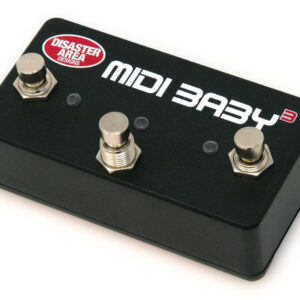
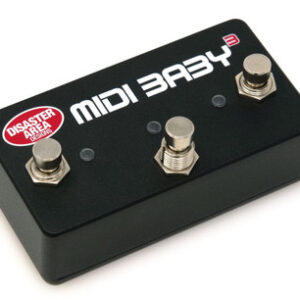
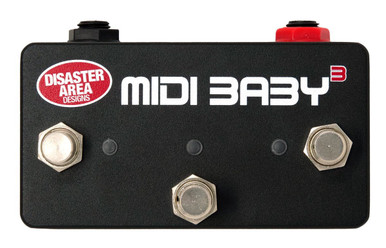
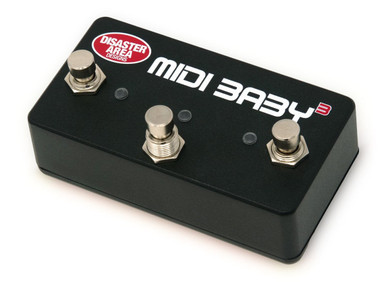
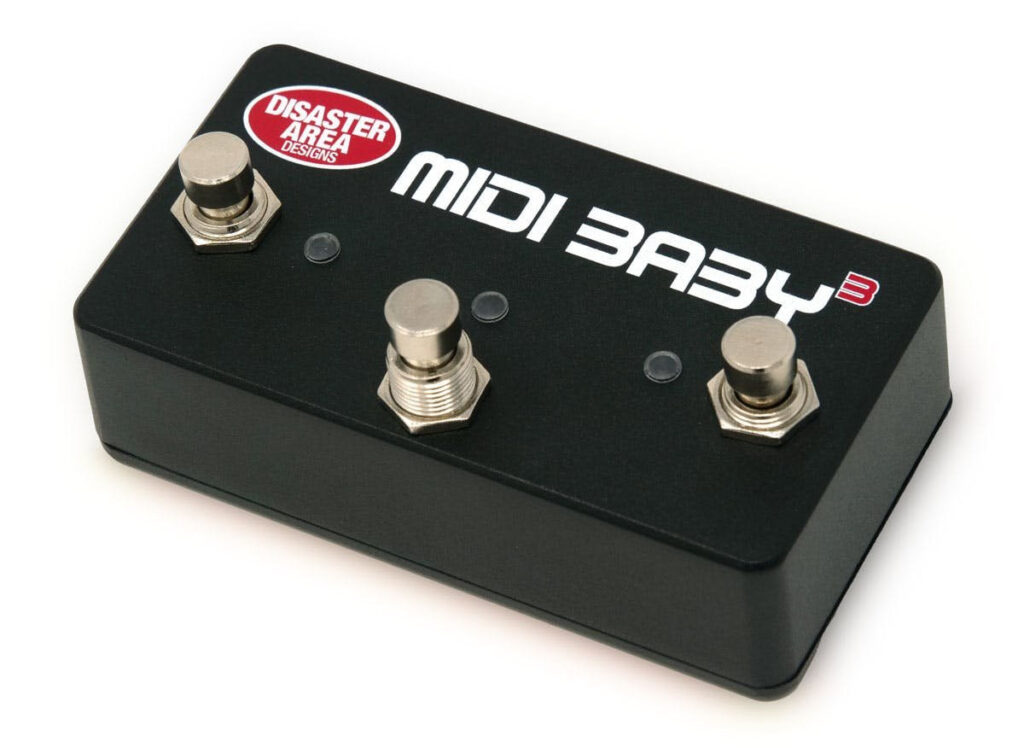
Here's What Disaster Area Say About the MIDI Baby 3
MIDI Baby 3 builds on our popular and ultra-tiny MIDI Baby.
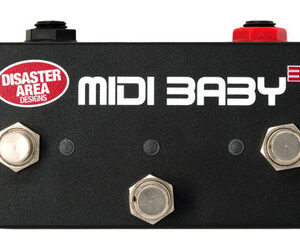
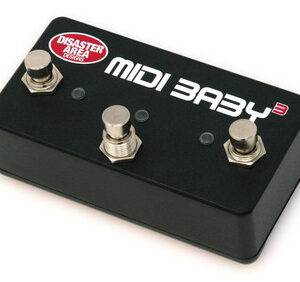
MIDI Baby 3 works like three MIDI Babies in a single enclosure – three footswitches, three LEDs, triple the programmability.
Connect MIDI Baby 3 to your computer using the supplied USB cable, then launch our intuitive web configuration tool. You can then configure MIDI Baby 3 to send a wide variety of useful MIDI messages, configure its inputs and outputs, and even change the LED colors for each function.
Send program changes, continuous controller messages, MIDI notes, and more. Special “meta” commands allow you to change how the MIDI Baby 3 works on the fly, so you can invert or re-order messages. Finally, a built-in MIDI clock option allows you to send clock to your connected MIDI devices.
Connections:
- MIDI output – sends standard MIDI over 5-pin port.
- MIDI input using Disaster Area MIDI Y-cable, passes through any incoming data. You can also send Baby 3 commands from your MIDI controller to trigger its functions.
- 9V DC – compatible with most pedalboard power supplies, 30mA minimum.
- MultiJacks A and B – MIDI output (on tip, ring, or both,) MIDI input & output (input on ring, output on tip,) expression pedal, or dual footswitch.
- USB – functions as USB MIDI controller to your DAW or mobile device, or as a USB host to a compatible USB MIDI device (Zoom, Red Panda, Source Audio C4, more.)
Compatible with practically every MIDI device ever made. Programmable to meet your needs. Expandable and connectable.
What can you do with a MIDI Baby 3? Just about anything, but here are some ideas:
- Send tap tempo or MIDI clock to several MIDI devices
- Scroll through presets or banks on your MIDI pedals using MIDI Program Change messages
- Toggle special functions on your MIDI devices using MIDI CC messages
- Control your DAW or other audio apps using MIDI Note messages
- Convert a standard volume or expression pedal to a MIDI expression pedal
- Interface directly with 1/4″ MIDI devices such as Alexander, Chase Bliss, Meris, or Empress. Control up to four devices using two Y-cables.
- Send MIDI messages to USB MIDI devices like Zoom MultiStomp, Red Panda Tensor and Particle V2, or the Source Audio C4 Synthesizer
- Plus lots more.
Our web-based editor application makes configuring your MIDI Baby 3 easy! Configure your hardware options in Global Settings, assign the messages for each foot switch or expression pedal, save and go. Want to switch between multiple configurations for different rigs or pedalboard setups? Use the Import / Export from File option to create a library of configurations for instant access.